Disney Cruise Line Photo Packages Explained: Traveling Together in Separate Cabins
What You Need to Know Before You Sail
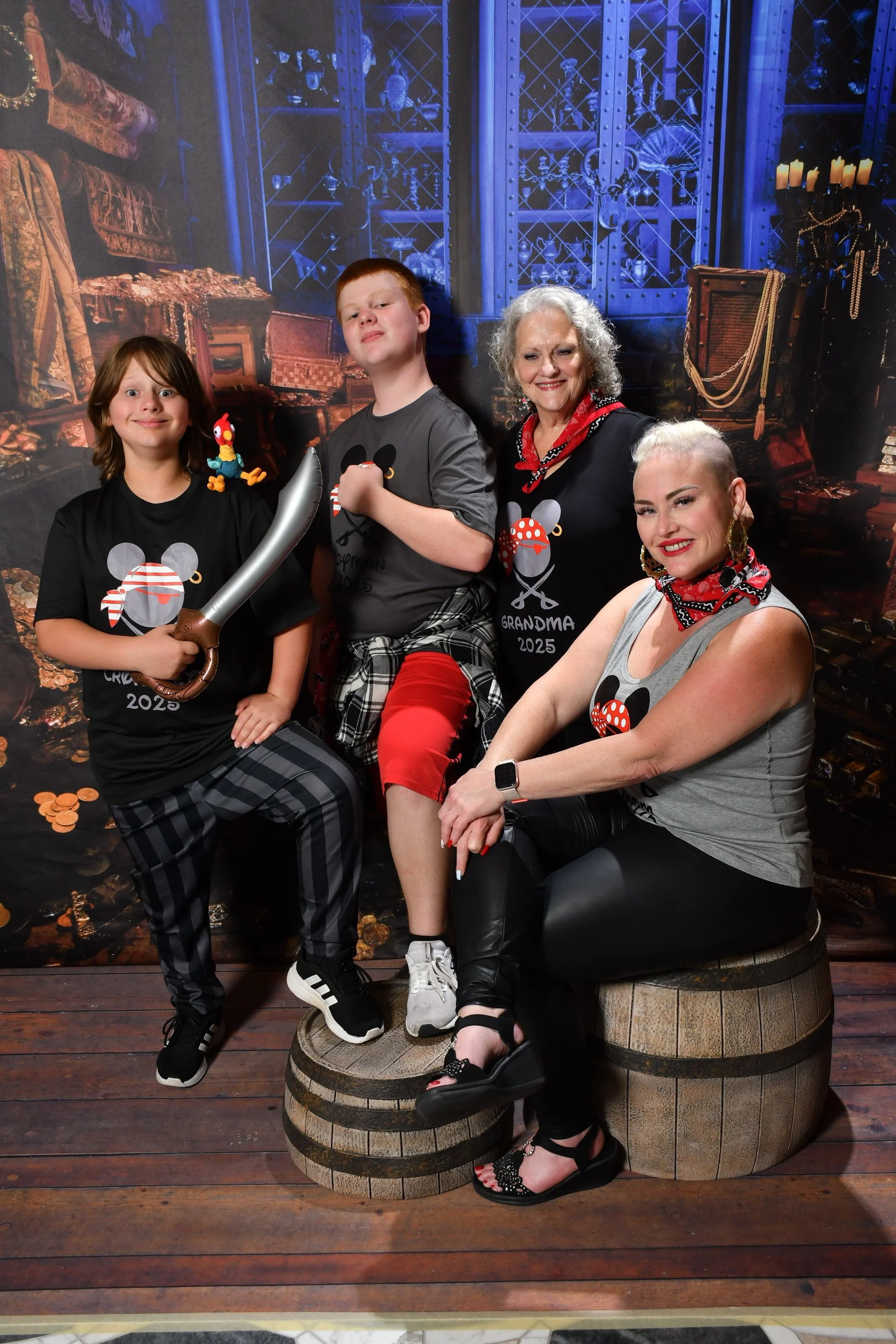
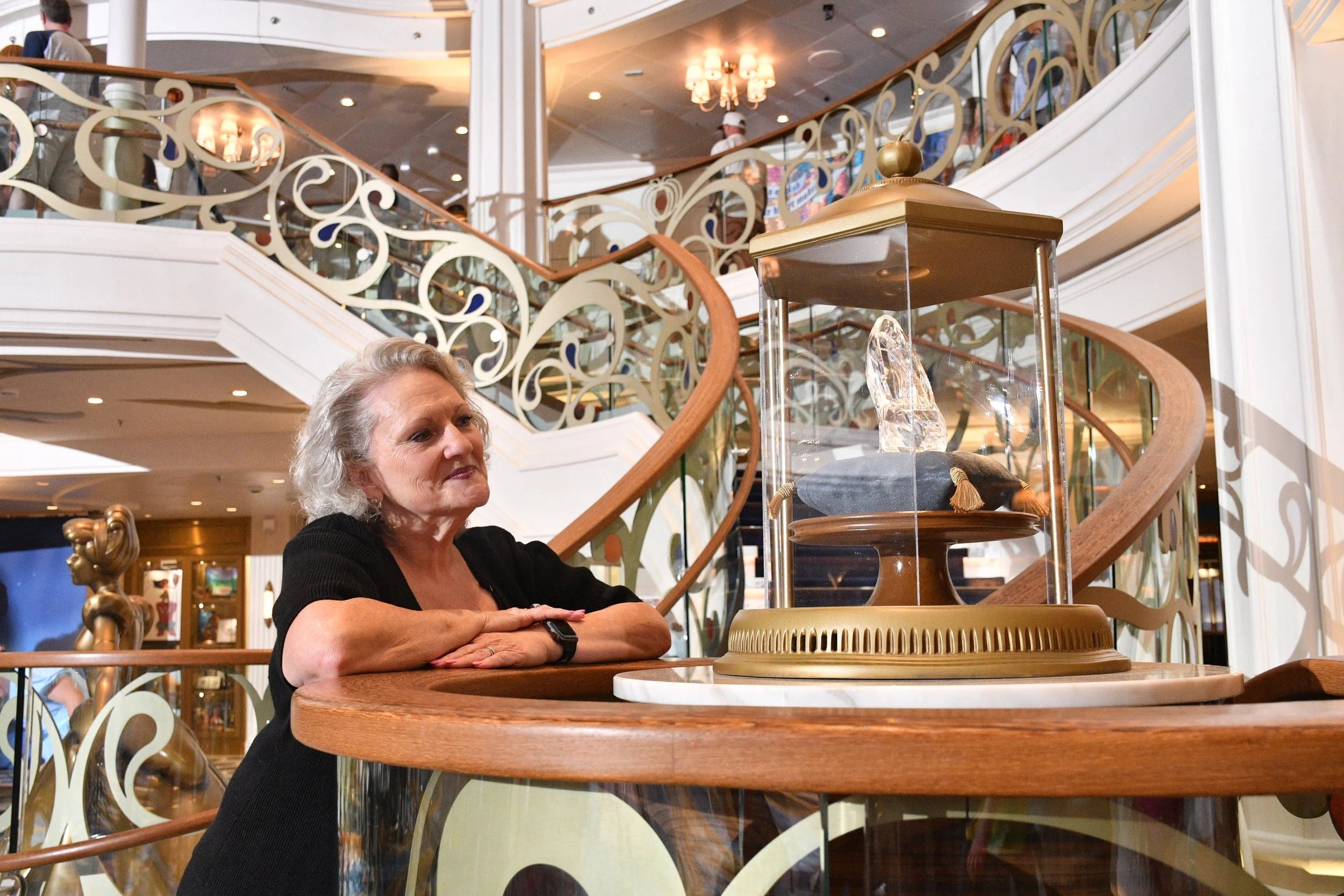
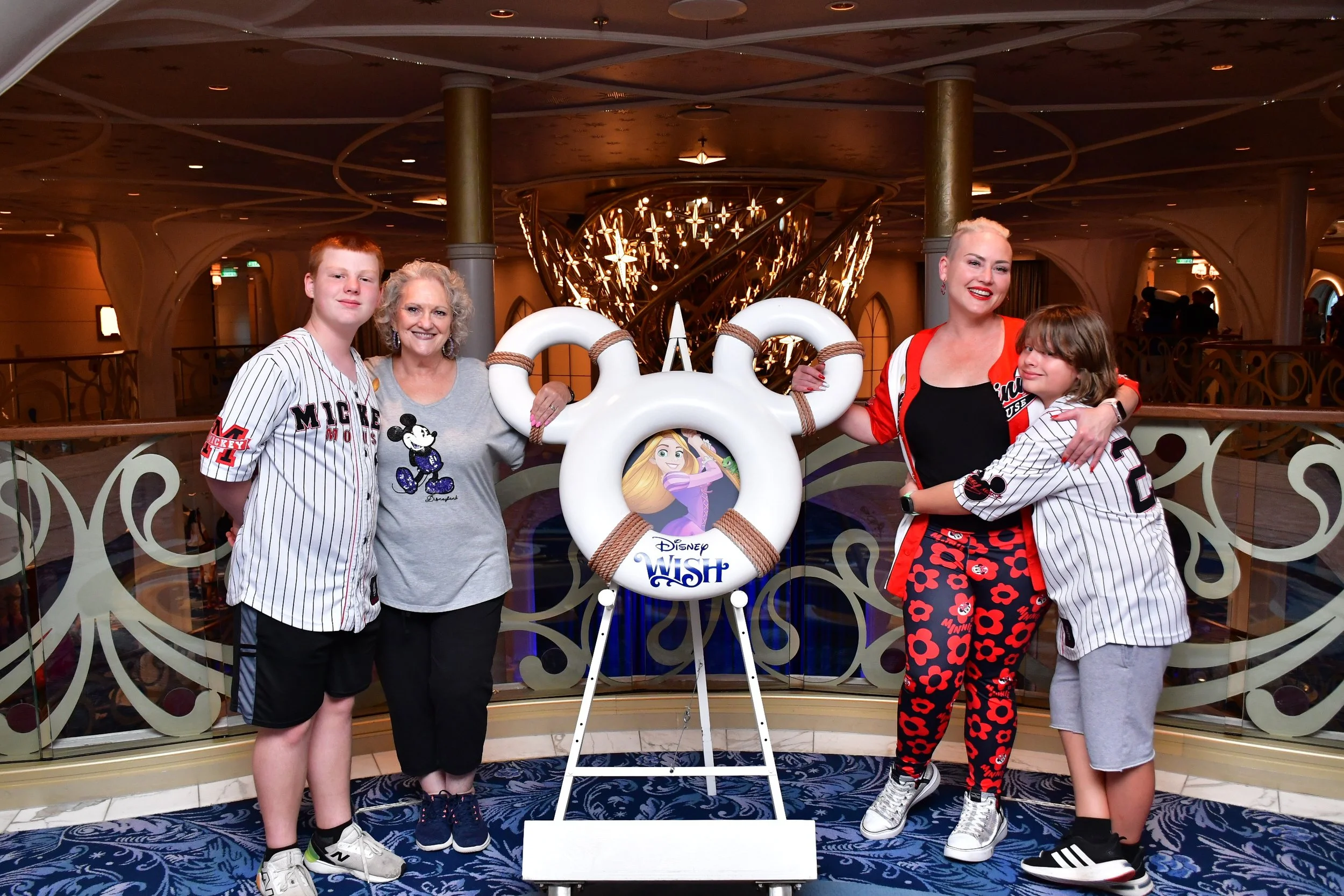
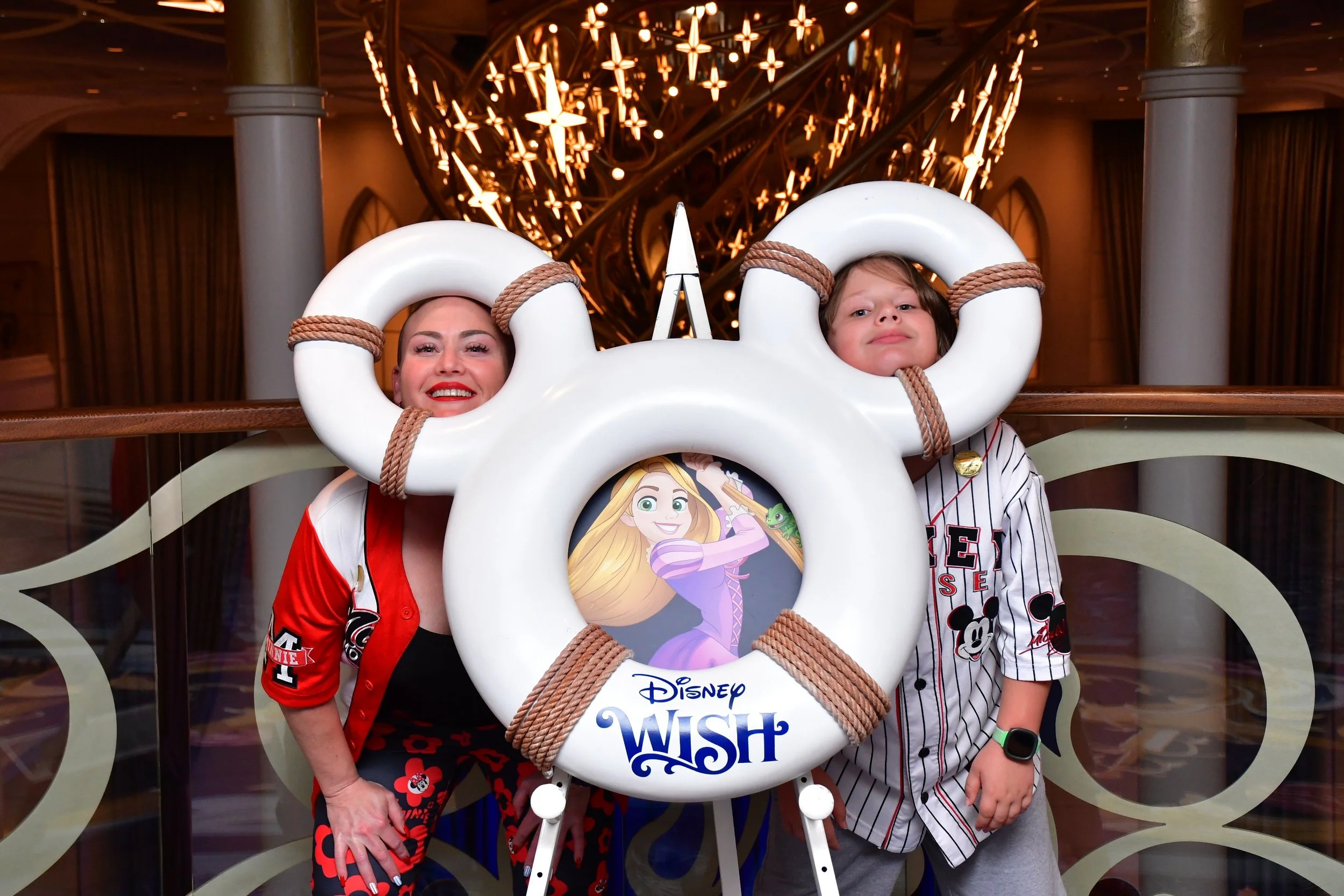
One of the most common questions I get from Disney Cruise Line families and groups is about onboard photos, especially when everyone is traveling together but booked in separate staterooms.
Disney’s photo system is fantastic, but it works a little differently than most people expect. Understanding how it works before you board will save time, frustration, and ensure no one misses out on those magical memories.
Let’s break it down in plain English.
How Disney Cruise Line Photos Work
Disney Cruise Line uses facial recognition technology and stateroom-based accounts to manage onboard photos. Because of this, all photos are automatically linked to individual staterooms, not to group reservations.
That means:
Photos are tied to your cabin, not your travel party
Each stateroom has its own photo account
Group photos do not automatically appear for everyone in the group
This setup is intentional and helps Disney manage billing and privacy.
Traveling Together but in Separate Cabins? Here’s What That Means
If your group is staying in multiple staterooms:
Each cabin will only see photos linked to their stateroom
You can still take photos together as a group
Photos just need to be linked correctly if more than one cabin wants access
Nothing is lost, it just requires one extra step.
How to Make Sure Everyone Gets the Photos They Want
1. Visit Shutters to Link Photos
After group photos are taken (formal night, character photos, family portraits, etc.):
Stop by Shutters, the onboard photo gallery
A Cast Member can manually link the same photo to multiple staterooms
Each cabin can then decide whether to purchase that photo
This can be done at any point during the cruise, but I recommend doing it early, especially for larger groups.
What If One Cabin Has the Photo Package and Another Does Not?
This is the most important scenario to understand.
If One Cabin Purchases the Unlimited Photo Package:
The package applies only to that stateroom
That cabin can view, download, and keep all photos linked to them
Other cabins will not automatically have access, even if they’re in the photo
If a Photo Is Linked to Multiple Cabins:
The cabin with the photo package gets it included
Cabins without a package will see the photo available for individual purchase
Each stateroom is billed separately.
The Best Strategy for Families & Groups
Option 1: One “Designated Photo Cabin” (Most Popular & Cost-Effective)
One cabin purchases the Unlimited Photo Package
All group photos are linked to that cabin
That cabin downloads all photos after the cruise
Photos are shared with the rest of the group
Disney allows sharing once photos are purchased, making this the easiest and most budget-friendly option.
Option 2: Each Cabin Buys Their Own Package
This works best if:
Adult children, grandparents, or friends want their own downloads
Each cabin wants independent access without sharing later
Option 3: Mix & Match
One cabin buys the photo package
Other cabins purchase only their favorite photos individually
What Not to Expect
To avoid surprises, here’s what Disney does not do:
Photos do not automatically sync across cabins
A photo package does not cover multiple staterooms
Group reservations do not merge photo accounts
Once you understand this, the system is actually very simple.
Final Tip From Your Disney Cruise Expert
If you’re traveling as a family or group in multiple cabins, decide before you sail:
Who will purchase the photo package
Which cabin will be the “photo hub”
When you’ll stop by Shutters to link photos
A little planning goes a long way toward capturing every magical moment 📸🚢
If you’re planning a Disney cruise and want help choosing the right staterooms, photo packages, or onboard planning strategy, I’m happy to help make it seamless from start to sail.
✨ Let’s plan your Disney cruise the right way.
Written by Shayla Northcutt, Owner of Northcutt Travel Agency. Luxury travel advisor with extensive firsthand experience sailing Disney Cruise Line with families and groups.